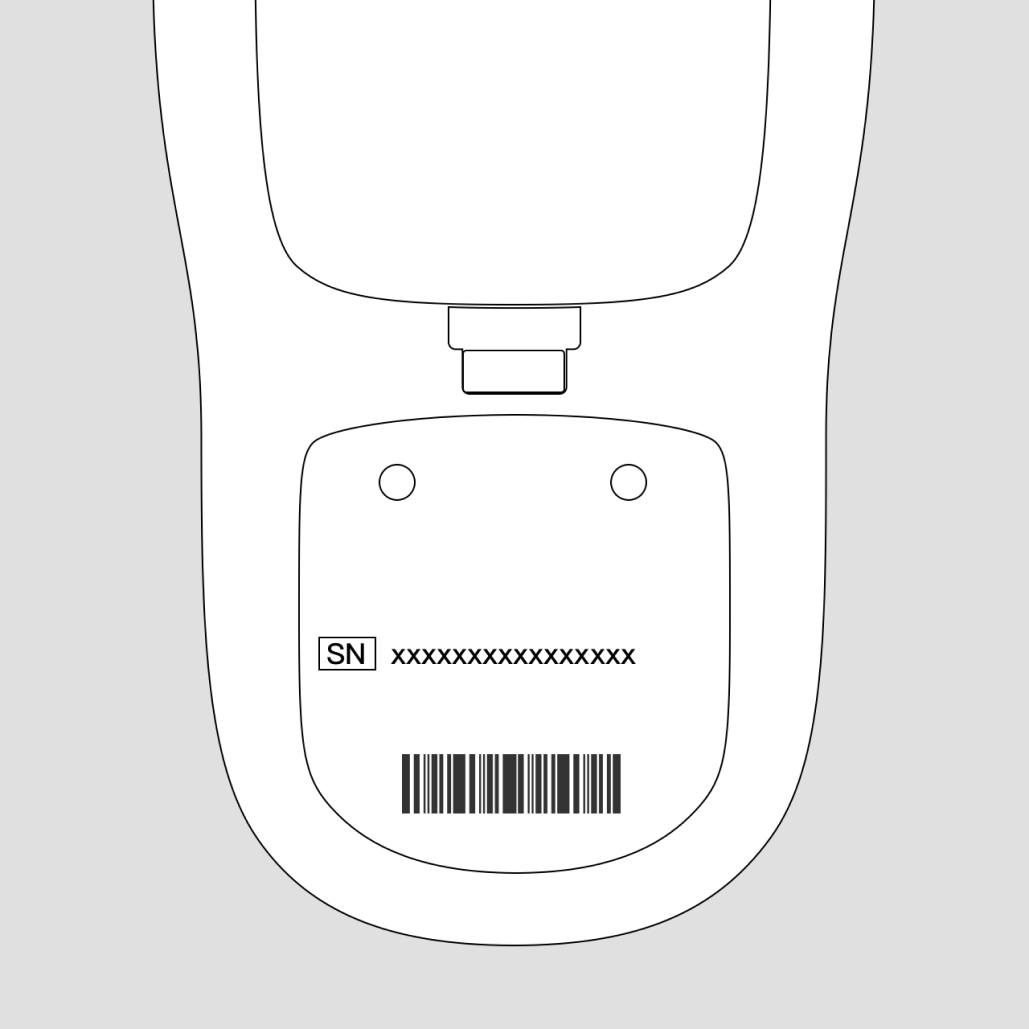
Check on the device itself
Most BUZUD devices will have the serial number printed somewhere on the device. You can usually find it on the back, bottom, or side of the device. Look for a label with “SN” or “Serial Number,” which is typically a combination of letters and numbers.
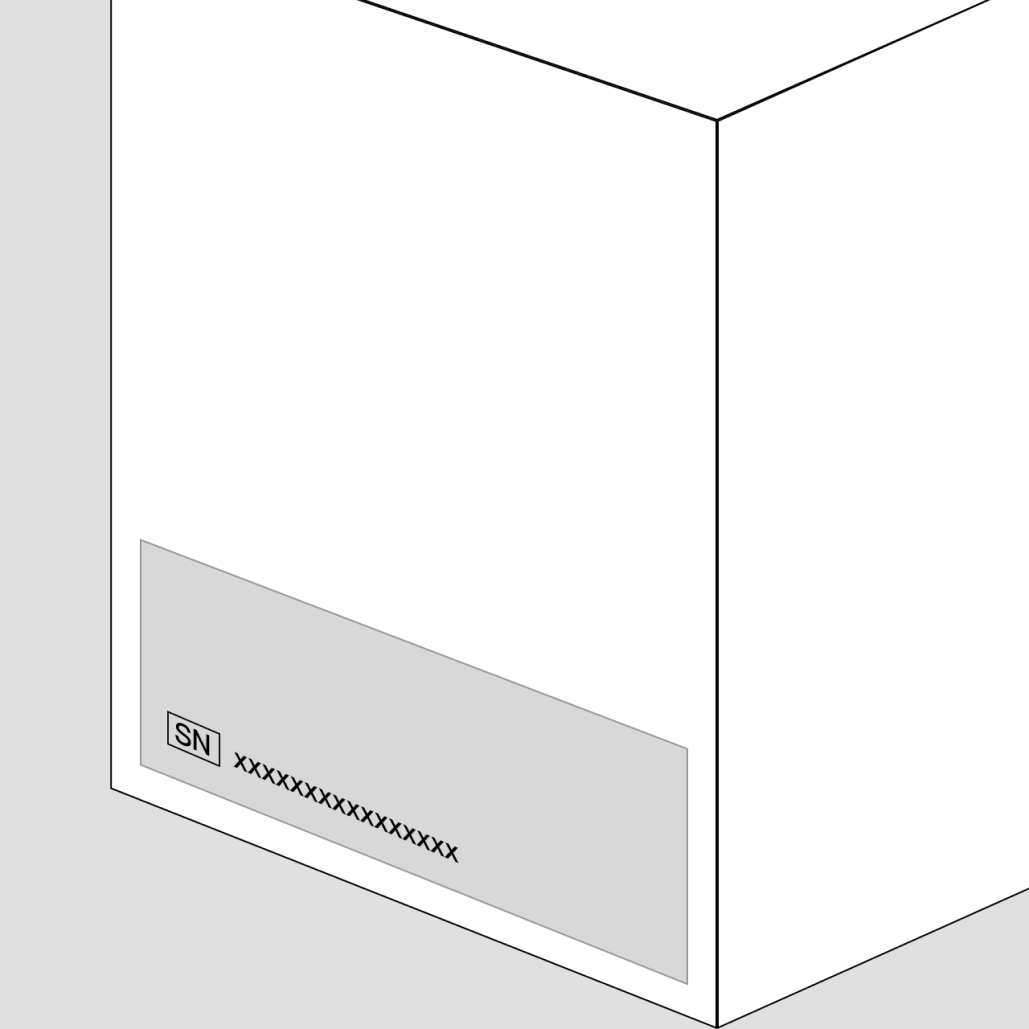
Check the packaging or user manual
If you still have the original packaging or the user manual of the device, the serial number may be printed on the barcode label of the box or listed on one of the pages of the manual.
Check through the device settings (if applicable)
Some BUZUD devices may have a digital display or a user interface where you can access the settings and check for the serial number.
Steps
- Power on the device.
- Navigate to the device's settings or information menu.
Contact technical support
If you are unable to locate the serial number, you can also reach out to BUZUD's technical support. They may assist you in identifying the serial number based on the model or other device-related information.